
> Subtitles
Live captions for whatever your Mac is playing, without sending audio anywhere
[ screenshots ]
[ about ]
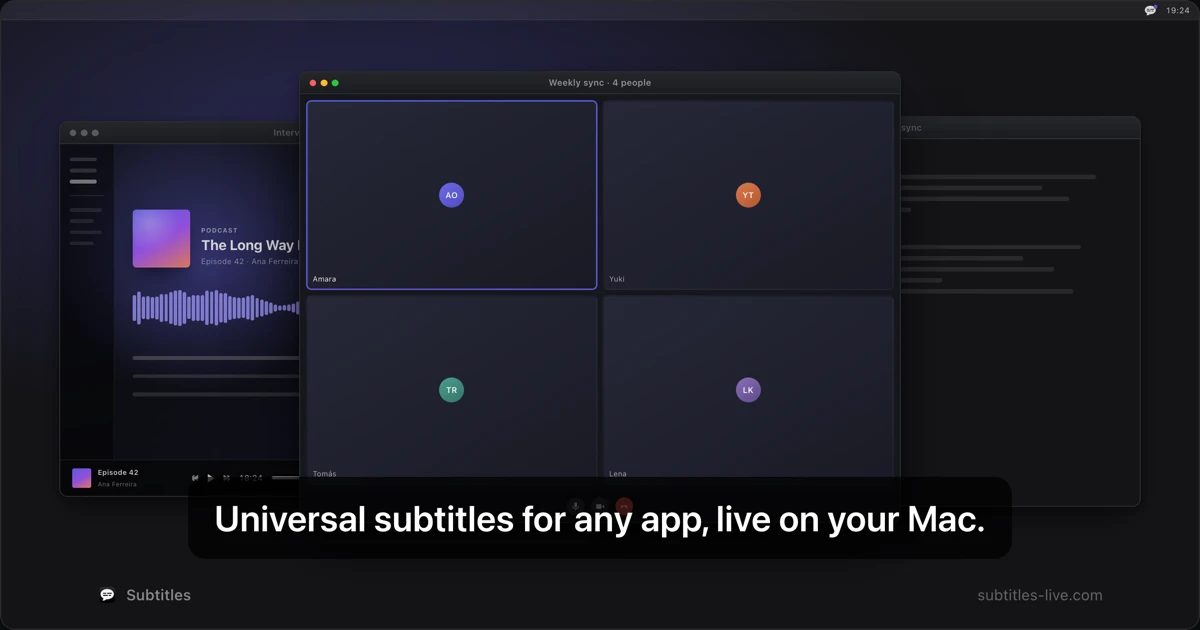
Meetings, podcasts, lectures, videos: transcribed as they play and drawn as an always-on-top overlay. Nothing is uploaded, nothing is recorded, nothing is written to disk.
Subtitles captions any audio your Mac can play, because it taps the app itself rather than integrating with any one service.
Meetings and calls Zoom, Google Meet, Teams, a Slack huddle, a call in a browser tab: all of it is just audio coming out of an app, so all of it gets captioned. Second language or not, it earns its place the moment an accent is unfamiliar, someone's microphone is bad, or two people talk over each other: reading a word you only half-heard is faster than asking for it again, and it doesn't interrupt anyone.
Keeping the thread while you work Audio doesn't wait. The moment you switch to your notes, your editor or a browser window, you start losing the conversation. The overlay is always on top of every window and click-through, so it stays where it is while you work in front of it. You can take notes, look something up, and still follow what's being said. A notepad like Granola writes the meeting up afterwards; this is the half that has to happen while it is still going on.
Videos, podcasts and lectures A video with no captions, or with automatic ones that are worse than none. A podcast in a language you're still learning. A recorded or a streaming lecture, an interview, a film with quiet dialogue. Captions appear over whichever window is playing it, at whatever text size you set, in nine languages with the language detected for you.