
> LinkSniffer
Check HTTP headers, status codes and redirect chains of any URL
[ screenshots ]
[ about ]
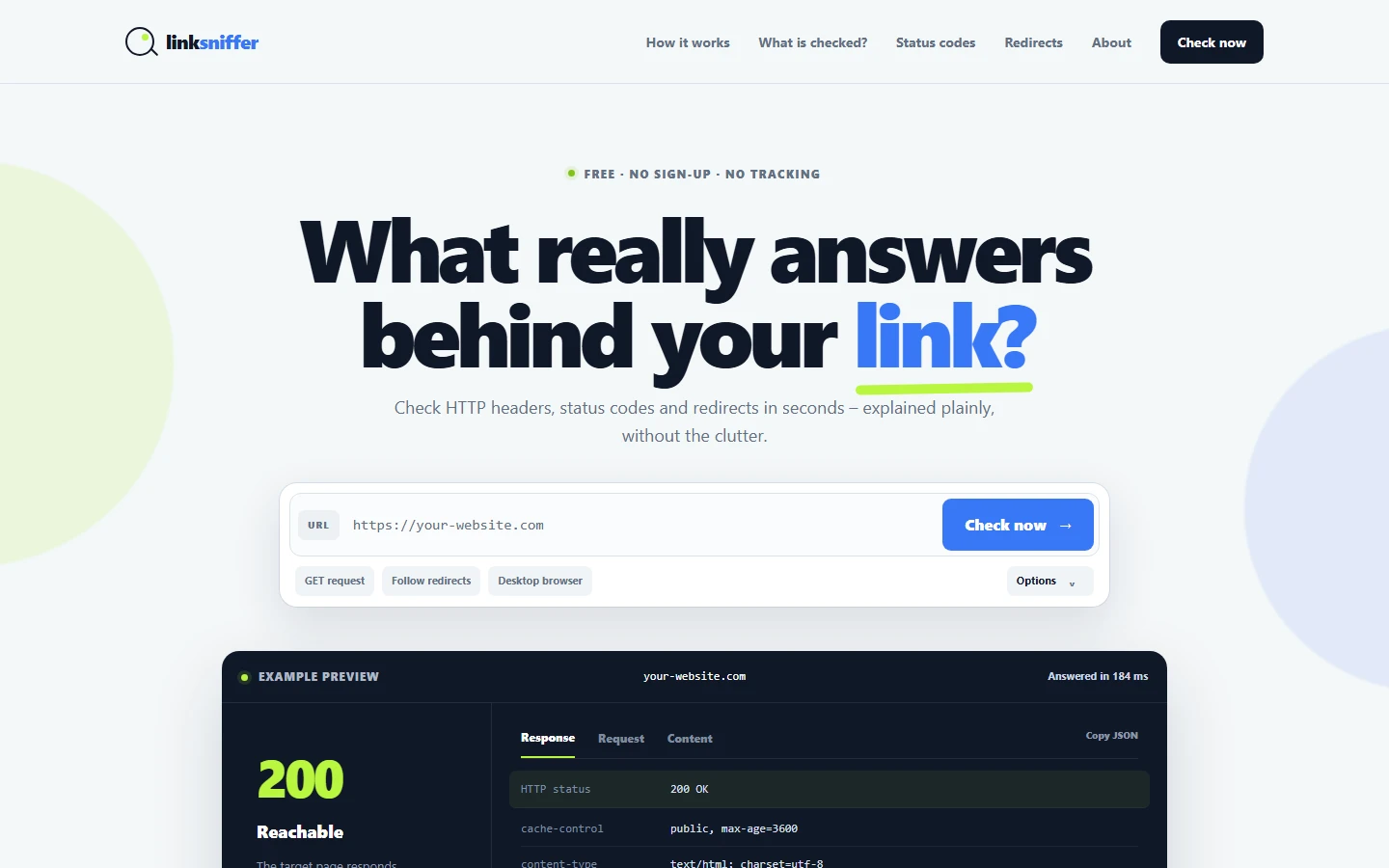
Paste a URL and LinkSniffer tells you what the server actually answers.
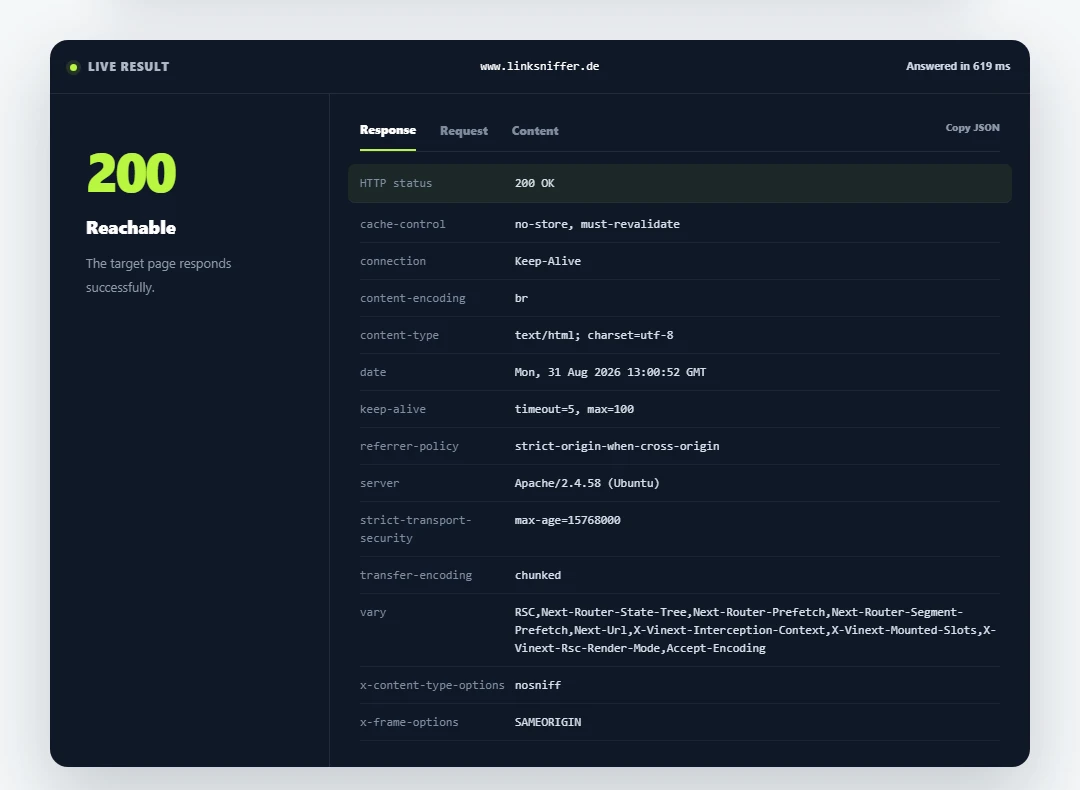
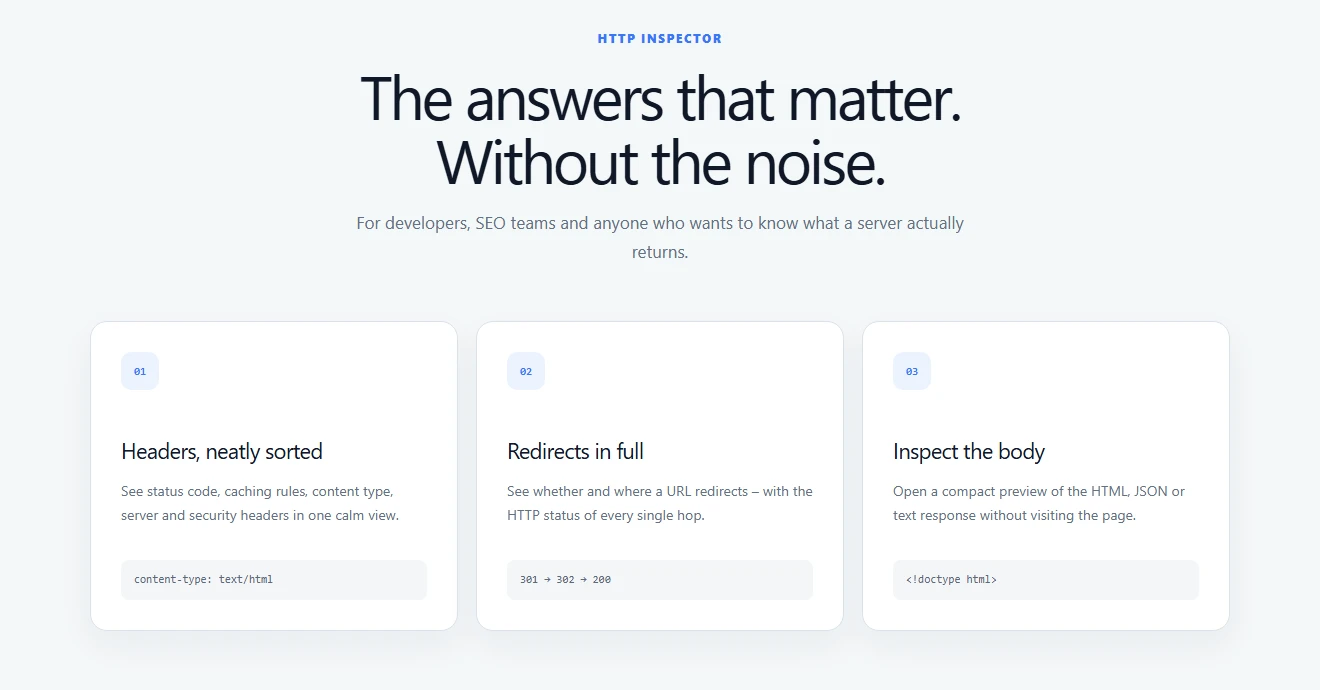
A browser hides all of this. It follows the redirects for you, renders whatever comes back and shows you a page. LinkSniffer shows you the response instead: the HTTP status code with a plain-language verdict, the full response headers sorted into caching, content type, server and security, and every hop of a redirect chain with its own status, so you can see a 301 that quietly turned into a 302 and landed on a 404.
You can send a GET and inspect the body, or a HEAD if you only care about the headers. You can send the request as a desktop browser, as a mobile browser or as Googlebot, which is how you find out that a server treats the crawler differently than it treats you. Redirect following can be switched off to look at a single hop on its own. The response body opens as a compact preview of the HTML, JSON or text without leaving the tool, and the whole result copies out as JSON.
Useful when a link in a newsletter goes nowhere, when an affiliate or tracking link silently stops forwarding, when a migration needs its redirects verified, or when you want to confirm that HSTS and cache headers really are set the way you think they are.
Free, no sign-up, no account, no tracking and no ads. Available in English and German, light and dark theme, and it works on a phone.